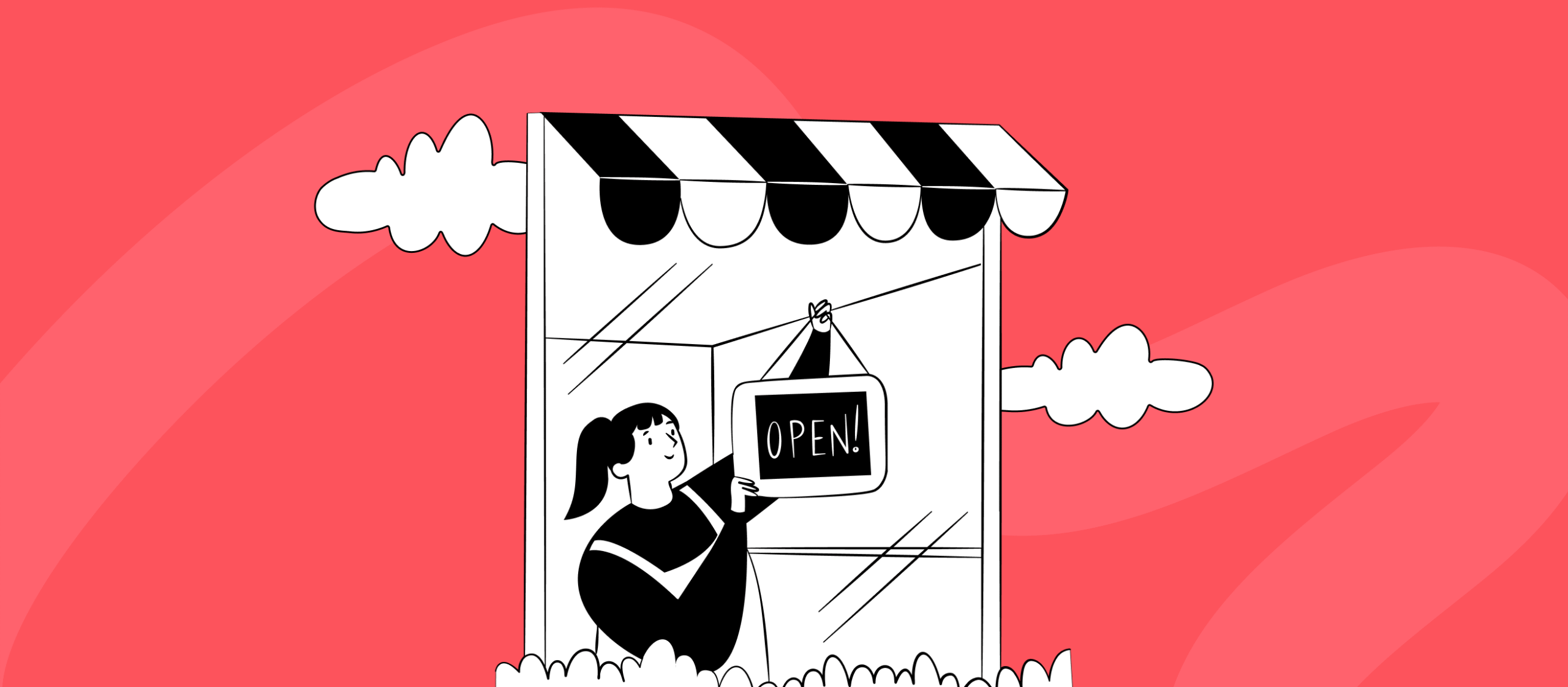
Illustration of a seller registering a TikTok Shop account step by step
Mężczyzna z długimi brązowymi włosami i niebieskimi oczami, ubrany w brązową bluzę z kapturem, uśmiecha się na jasnym, miętowym tle.
Hubert Grygielewicz
Paid Social Specialist
10 min
TikTok

How to start selling on TikTok Shop – step by step

There’s a moment in the life of every new sales channel when everyone’s talking about it, nobody really knows it yet, and you have an irresistible urge to just register and see what comes of it. TikTok Shop is in exactly that moment. And honestly? The urge is well founded: the channel has potential, the barrier to entry can be surprisingly low, and the first well-prepared sellers gain a real edge while the competition is still deliberating.

There’s just one “but”, and quite a friendly one: a few things are better known before you click “create account” than halfway through the form – when the system politely refuses because something’s missing and you don’t know what. Below you’ll find not just dry “click here, type there” instructions, but the spots where the process most often jams, and a few notes you won’t read in the official materials, because those are optimistic by nature.

What you'll learn from this article

  • which documents and details to prepare before you begin,
  • how registration in TikTok Seller Center works step by step,
  • what to do if you sell through a company based in another country,
  • what the 100-product limit really means at the start,
  • what most often holds up verification – and how to avoid it.


Selling on TikTok Shop at a glance

Starting on TikTok Shop means setting up and verifying an account in Seller Center based on consistent company details (tax ID, company registration number, legal representative), linking a business bank account and listing your first products – with a 100-product limit at the start. A company based in another country usually registers in its home country and runs a separate listing per market. The key to fast verification: consistent data and well-prepared categories. (Exact documents depend on your country.)

The temptation to jump straight in (and why it's worth resisting a little)

Every new sales platform plays out the same script. First there’s silence, then buzz, then suddenly everyone “has to be there”. It was like that with marketplaces, with the first Meta Ads campaigns, and it’s like that now with TikTok Shop. And every time, the winners aren’t those who entered the loudest, but those who entered the smartest.

The temptation to set up an account in five minutes and “test in battle” is understandable. The trouble is that TikTok Shop doesn’t forgive chaos at the start as easily as you’d like. Misaligned data can stall verification. A badly chosen category can bounce your offer. And a product uploaded without preparation can hurt your shop’s rating before it even starts selling.

The good news, though, is that all this “difficulty” comes down in practice to one thing: preparation. You don’t need a legal department or a week of work. You need a list of things to sort out up front – and that’s exactly what you’re getting here.

Before you begin – what's worth having on hand

The more you prepare in advance, the faster you’ll get through verification. The list is short, but each point can sting when it’s missing halfway through the process:

  • a registered business (sole trader or company),
  • tax ID (your VAT/tax number),
  • company registration number (for companies),
  • details of the company’s legal representative + an ID document,
  • a business bank account,
  • company address, warehouse address and returns address,
  • contact details.

The exact set depends on your country, but the categories above are consistent across markets.


💡 One rule matters more than all the rest: the data has to be consistent. The company name, bank account, representative’s details and documents should match one another to the letter. Most verification delays come not from missing documents, but from small mismatches between them – typos, an old address, a different form of the name.

Registration step by step

Now the specifics. The mechanics themselves are simpler than the number of fields to fill in suggests:

  1. Check that your business can sell. Make sure you have the full set of details from the list above and that they’re all current.
  2. Set up an account in TikTok Seller Center. This is the command centre – from here you manage the shop, products, orders, customer service, promotions and affiliate.
  3. Choose your selling market and business type, then fill in the company details, contact details and warehouse and returns addresses.
  4. Submit documents for verification and accept the terms. This is where data consistency counts, the system validates it and has no sense of humour about discrepancies.
  5. Link a business bank account. Without it you won’t receive payouts or handle returns. It sounds obvious, yet it gets put off “for later”, which can come back to bite you on the first sale.
  6. List your first products. Only – and this is important – not the whole catalogue “as it comes”. More on that shortly.

That’s essentially the whole thing. The devil, as ever, is in two details: cross-border selling and product preparation. Let’s look at the first straight away, because it can upend the plans of someone who was sure “it’s one European market, after all”.

Selling cross-border? Here's where it gets interesting

This is one of those moments where theory and practice look at each other for a second and don’t quite recognise one another. In theory we have a single EU market and freedom of movement. In practice, the registration form for a given market politely asks for that country’s tax ID and registration number – and validates them.

If you sell through a company based in one country and want to sell in another, you can’t register for that second market “the quick way”, because you simply don’t have the local number to enter. We ran into exactly this with one client – a company based in one EU country, an ambition to sell in another, and in the way a form that wouldn’t accept the home-country details for the other market’s shop. The first lesson from that story: it isn’t a dead end, but it’s better to plan it in advance than to get stuck on the registration screen emailing support on a Wednesday afternoon.

The natural path looks like this:

  • you register in the country where the company is based (European markets are supported),
  • from the account you open the other European markets, each separately designated,
  • for each country you run a separate listing – different names, different descriptions, and often a different assortment.


💡 A separate listing per market isn’t an obstacle, it’s order. Since names, descriptions and assortment differ between countries anyway, splitting the listings simply arranges selling the way it should look – locally, not “one copy for all of Europe”. In the EU, TikTok’s newer “Sell Across Europe” feature is starting to make multi-market selling from a single registration easier – availability varies, so check what applies to you.


And one honest note, because we don’t want to play the oracle here: the details of cross-border registration can differ depending on the company’s setup. For an unusual case it’s worth asking your contact on the TikTok Shop side, and for tax matters – your accountant. Better to settle it calmly at the start than to discover it after the first invoice.

The 100-product limit at the start – what it really means

New sellers start with a 100-product limit and a daily order cap (at the lowest tier that’s around 20 a day). You unlock higher tiers by building your shop’s rating and credibility: punctuality, service quality, customer reviews. It’s gamification baked into the platform – the better you perform, the more you can do. A bit like levels in a game, except the reward is a bigger shop.

And here’s the twist that changes your perspective: for a small store with a dozen or so SKUs the limit isn’t a problem at all – on the contrary, it lets you start very fast and without strain. The difficulty starts with larger catalogues, where a hundred items is a fraction of the range. But even then the constraint has its upside: it forces you to do what’s worth doing anyway – choosing your best products instead of dumping everything. Fewer, better-prepared items are almost always a better idea on TikTok Shop than a catalogue tipped out in bulk.

How to handle this technically – integration, stock synchronisation, moving between tiers – we take apart in the piece on TikTok Shop integration with e-commerce.

What most often holds up verification

To save you a few rounds with the form, here’s a list of the most common brakes. None of them is a disaster – all can be defused in advance:

  • inconsistent data – the company name, bank account and documents have to match; the system is painfully precise here,
  • incomplete documents – especially in regulated categories that require certificates or labels,
  • the wrong product category – the tempting “I’ll put it elsewhere so it goes through” usually ends in the offer being rejected, and in a worse scenario the account being restricted,
  • missing required product fields – e.g. brand, which on TikTok Shop is a required field even if you don’t use one at all day to day.

The requirements for product listings and categories – including those that need extra documents – we lay out in the piece on the product listing and categories on TikTok Shop.

Registration isn't the finish line, it's the starting line

It’s easy to think that once verification is done, the job is finished. In reality it’s only a pass – the account you now have is like an open shop with no window display, no staff and no reason for anyone to walk in. Selling on TikTok Shop doesn’t start the moment you register. It starts when the content, the lives and the creators who talk about your product appear.

So treat setting up the account as the first, easiest step – and don’t celebrate it too long. The recommended order of what happens next:

  1. Calculate profitability at the real commission before you start listing → TikTok Shop commission and costs.
  2. Set up integration and stock synchronisation, so you don’t sell something you physically no longer have → integration with e-commerce.
  3. Prepare complete listings for your chosen products → product listing.
  4. Launch content, live and affiliate – because those are what really drive sales → creator affiliate and live commerce.

You’ll find the whole channel, from strategy to the first 30 days, in the guide: TikTok Shop for e-commerce.

FAQ

What documents do you need to start selling on TikTok Shop? A registered business (sole trader or company), a tax ID, a company registration number for companies, the representative’s details with an ID document, a business bank account, and company, warehouse and returns addresses. The data has to be consistent across all of them, and the exact set depends on your country.

Can a company from another country sell on TikTok Shop in a given market? Registering for a given market usually requires that country’s tax ID and registration number. A foreign company typically registers in its home country and runs a separate listing per market. For an unusual setup it’s worth asking your contact on the TikTok Shop side; in the EU, the “Sell Across Europe” feature is beginning to ease this.

How many products can you list at the start? New sellers start with a 100-product limit and a daily order cap (around 20 at the lowest tier). The limits grow with the shop’s rating and credibility.

Why is my verification dragging on? The most common causes are inconsistent company data, incomplete documents in regulated categories, or the wrong product category.

Do I have to link a bank account straight away? Yes – without a linked business bank account you won’t receive payouts or handle returns.

Is setting up a TikTok Shop account paid? Registration and listing products are free – there’s no entry fee or subscription. Costs appear only when you sell: the standard commission is 9% in the UK and EU or 6% in the US (with time-limited promotional rates for new sellers), plus logistics and any creator commission. You’ll find the full calculation in the piece on TikTok Shop commission and costs.


About the author

Hubert Grygielewicz – A Paid Social Specialist with several years’ experience across domestic and international markets. He specialises in combining the technical side of ad accounts – structures, settings and optimisation – with testing creative approaches, checking how specific settings affect results. After hours he photographs concerts and festivals. Find him on LinkedIn.

Table of contents

See other articles

TikTok

TikTok Shop for e-commerce: how to enter smartly — and not end up underwater

TikTok Shop is now live in a lot of markets — mature and crowded in some, brand-new in others — and every so often e-commerce gets a channel everyone suddenly talks about. The pattern repeats: first curiosity, then a gold rush, then the quiet realisation that the winners weren't the loudest entrants but the ones who entered with a plan.
Black-and-white illustration of a smartphone showing a balance of USD 79,541, with a piggy bank, scattered banknotes and falling dollar coins — a symbol of turnover versus what really remains after costs on TikTok Shop.
TikTok

TikTok Shop commission and costs – what really stays in your pocket?

There's a number that tempts you with its simplicity: selling price minus product cost. You type two values into a spreadsheet, out comes a lovely margin, and for a moment the world feels tidy. The trouble is that on TikTok Shop this formula has more characters than you'd expect – and several of them write themselves into the script without warning.
Black-and-white illustration representing connecting TikTok Shop with an online store.
TikTok

TikTok Shop integration with e-commerce – WooCommerce, the feed and the 100-product limit

There's a promise everyone hears when they connect a new sales channel: "one click and everything syncs itself." It sounds lovely on a slide. In practice, with TikTok Shop, it's a touch more… manual.There's no single magic button that does everything for you, but that doesn't mean you're doomed to key in every product by hand until the end of time. You just need to know the available options and consciously pick the one that fits the scale of your store.

It’s time for your brand.
Click and let’s start growing together.